
The SPOTI lesson settings screen is where you can set global options that will apply to all lessons on your site. Lesson settings are organized into a few sections, outlined below.
To access your global lesson settings:
- Navigate to SPOTI LMS > LESSONS
- Click the Settings tab
Lesson Display Settings
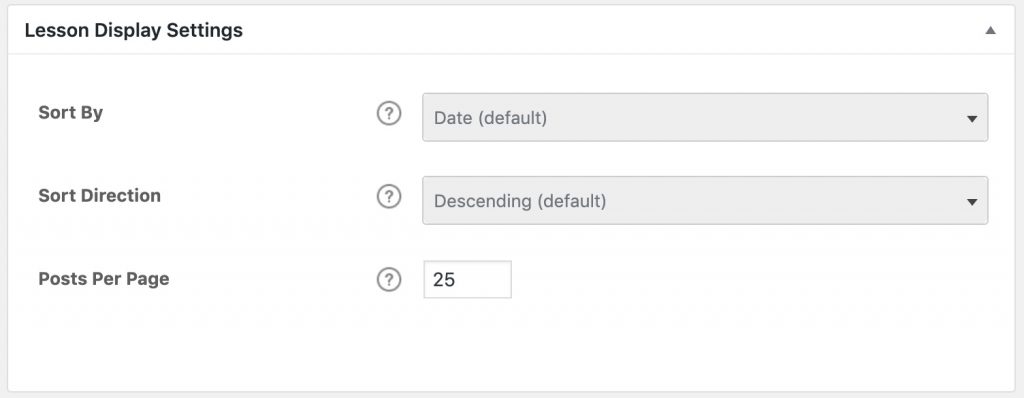
If you’re using the course builder to organize your lessons, the lesson display settings here don’t apply. You can ignore them. These are simply an alternative way to control the order in which your lessons appear, if you’re not using the course builder.
These settings will apply globally, to all lessons in all courses, but can be overridden on a course-by-course basis in the course display & content settings.